ecl-logo Documentation

FastImport

FastImport[filepath, filetype]file

imports the file at filepath of the given filetype using the fastest method available.

Details

  • Imports CSV and TSV files by reading directly from the stream which is substantially quicker then the standard Import function.
  • For file types that are not CSV or TSV files, FastImport will simply call Import on these files and return the result
  • Input
    Output
    General Options

    Messages
  • MissingFileThe file `1` could not be found. Verify you've provided the correct path and are connected to the necessary file drive.

Examples

Basic Examples  (3)

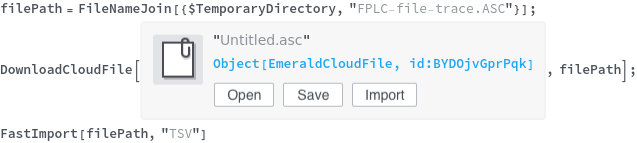
Import a tab-separated (TSV) file:

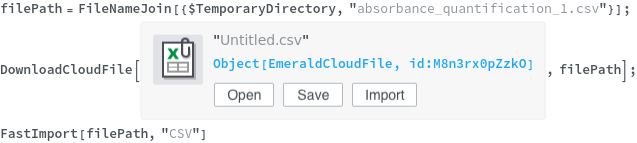
Import a comma-separated (CSV) file:

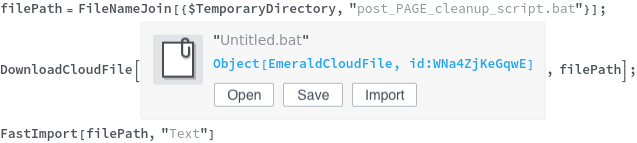
Import a raw text file:

Additional Examples  (3)

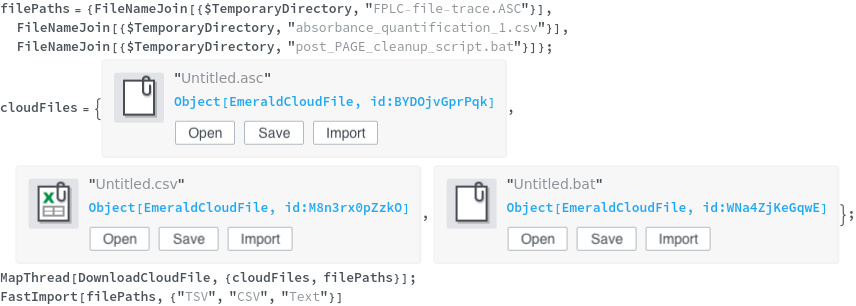
Imports a list of filepaths and filetypes:

Imports a list of filepaths with the same filetype:

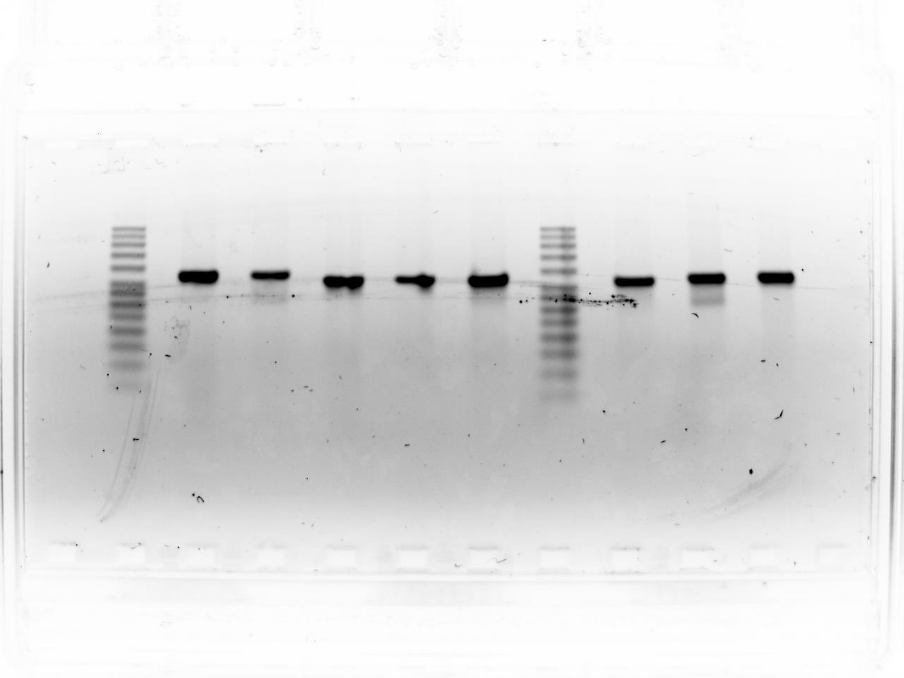
If given a file type besides TSV, CSV, or raw text, then FastImport calls Import:

Options  (2)

Retries  (1)

Repeatedly attempts to locate the file, pausing after each failure, until there are no remaining retries:

RetryDelay  (1)

Retries and the associated delays only occur if the file cannot be found on the first attempt:

Messages  (1)

MissingFile  (1)

Prints a message and returns $Failed if the file could not be found: